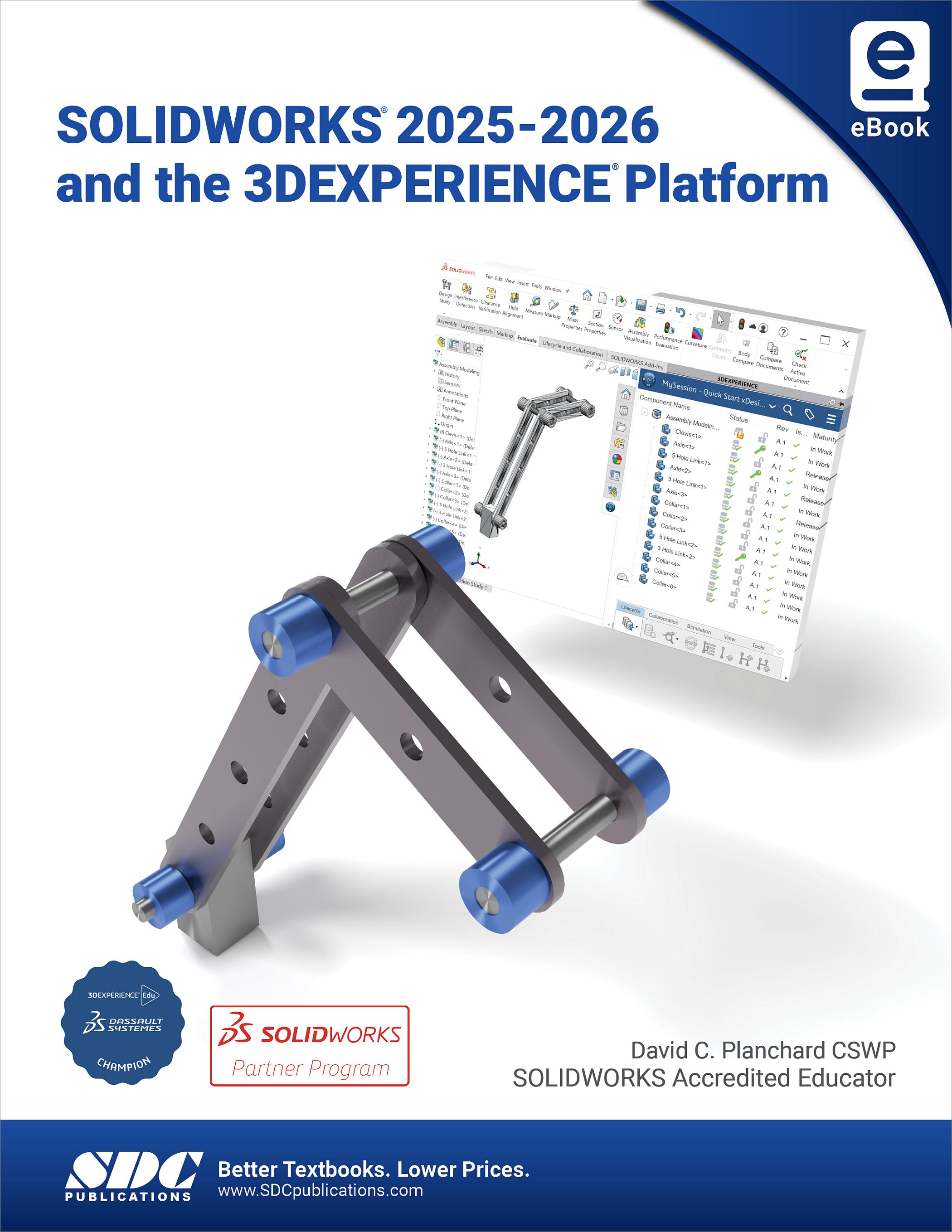
SOLIDWORKS 2025-2026 and the 3DEXPERIENCE Platform
- Description
- Contents
- Downloads
- Details
Description
Key Features
- Learn to connect SOLIDWORKS to the 3DEXPERIENCE Platform using clear, guided lessons
- Discover essential cloud-based PLM tools for saving, organizing, searching and managing design data
- Use collaborative spaces and bookmarks to organize projects and support teamwork
- Review and share designs with 3DPlay and store files securely with 3DDrive
In Detail
SOLIDWORKS 2025-2026 and the 3DEXPERIENCE Platform introduces educators, students, designers and engineering professionals to working with SOLIDWORKS in a secure, cloud-connected environment using the 3DEXPERIENCE Platform. Through nine focused, step-by-step tutorials, you will learn how to connect your desktop SOLIDWORKS session to the platform, manage data in the cloud, and collaborate more effectively with teams remotely.
Working in a single modeling environment, the book shows you how to access the 3DEXPERIENCE Platform from the SOLIDWORKS Task Pane, treat it as an add-in, and take advantage of cloud-based Product Lifecycle Management (PLM) tools without leaving the SOLIDWORKS interface. Each lesson is written to be practical and task based, with clear procedures that can be followed in an academic lab, a classroom setting or a professional design office.
SOLIDWORKS 2025-2026 and the 3DEXPERIENCE Platform helps bridge the gap between traditional desktop CAD and modern cloud-based product development so that students, instructors and professionals can confidently bring SOLIDWORKS models into a collaborative, PLM-aware environment.
What you will learn
This book will teach you how to connect your SOLIDWORKS desktop session to the 3DEXPERIENCE Platform and work confidently within a cloud connected design environment. The book introduces the essential concepts of saving and managing files in the cloud, working with revisions and maturity states, organizing projects with bookmarks, and collaborating through shared spaces. You will also gain experience using key platform tools such as 3DPlay for viewing and reviewing models, 3DDrive for cloud file management and 3DSwym communities for communication and support.
Who this book is for
This book is ideal for students who want to develop modern skills in cloud connected design and learn how SOLIDWORKS workflows extend naturally into the 3DEXPERIENCE Platform. It provides a clear path for building confidence with cloud-based data management, revision control and collaboration tools that support both individual learning and team-based projects.
It is also well suited for instructors and professionals who need a practical, structured resource for teaching or adopting cloud-enabled SOLIDWORKS practices. Whether used in a classroom, training environment or design team, the book offers a straightforward introduction to connecting SOLIDWORKS to the platform, organizing projects and using essential tools for viewing, sharing and collaborating in a secure cloud environment.
Table of Contents
- Getting Started with SOLIDWORKS and the Platform
- SOLIDWORKS Save and Revision
- SOLIDWORKS Bookmarks, Share and Delete
- SOLIDWORKS and Lifecycle Maturity States
- SOLIDWORKS, Collaborative Space and Bookmarks
- SOLIDWORKS and Search
- SOLIDWORKS with 3DPlay
- SOLIDWORKS and 3DDrive
- SOLIDWORKS and 3DSwym Communities
Downloads
For additional information on downloading, unzipping, and using these files visit the downloads section on our Frequently Asked Questions page.
Product Details
| Publisher | SDC Publications |
| Authors | David C. Planchard CSWP, 3DEXPERIENCE Edu Champ |
| Media Types | eBook |
| Primary Languages | English |
| Published | November 26, 2025 |
| User Level | Beginner - Intermediate |
| Pages | 171 |
| Binding | eBook |
| eBook ISBN | 979-8-89912-012-1 |