Engineering Graphics Essentials with AutoCAD 2009 Instruction
- Description
- Contents
- Instructor Resources
- Details
Description
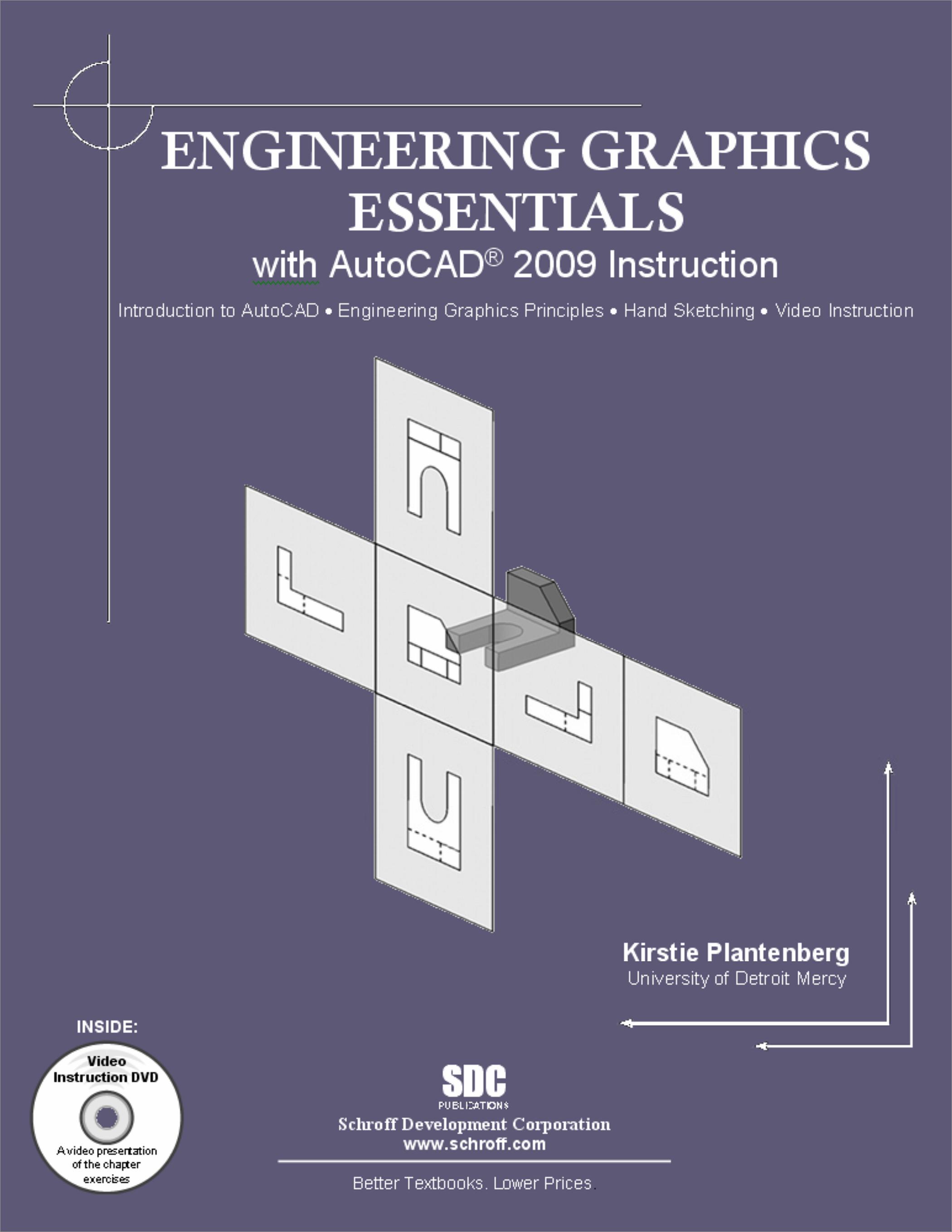
Engineering Graphics Essentials with AutoCAD 2009 Instruction is specifically designed to be used in a one or two credit introduction to engineering graphics course. It covers the main topics of engineering graphics, including tolerancing and fasteners, giving engineering students a basic understanding of how to create and read engineering drawings as well as teaching them the fundamentals of AutoCAD 2009. Additionally, this text comes with a multimedia CD containing video exercises prepared by the author.
Engineering Graphics Essentials with AutoCAD 2009 Instruction is designed to encourage students to interact with the instructor during lecture. It has many 'instructor led' and 'in class student' exercises that require student participation.
Engineering Graphics Essentials with AutoCAD 2009 Instruction gives students a basic understanding of how to create and read engineering drawings by presenting principles in a logical and easy to understand manner and by having students work through a series of exercises.
This book contains these types of exercises:
-
Instructor led in-class exercises
Students complete these exercises in class using information presented by the instructor using the provided PowerPoint CD. -
In-class student exercises
These are exercises that students complete in class using the principles presented in the lecture. -
Video Exercises
These exercises are found in the text and correspond to videos found on the multimedia CD. In the videos the author shows how to complete the exercise as well as other possible solutions and common mistakes to avoid. -
End of chapter problems
These problems allow students to apply the principles presented in the book. All exercises are on perforated pages that can be handed in as assignments. -
Review Questions
The review questions are meant to encourage students to recall and consider the content found in the text by having them formulate descriptive answers to these questions. -
Crossword Puzzle
Each chapter features a short crossword puzzle that emphasizes important terms, phrases, concepts, and symbols found in the text.
About the multimedia CD
Each book comes with a multimedia CD containing all the necessary base files, AutoCAD videos, and video exercises. These exercises are presented in the text then discussed and solved in detailed videos that are included with each book. Your students can use the exercise sheets found in the text to follow along with the video. The exercise videos emphasize the principles found in the text by presenting the material in an alternate and visually engaging way. Students can work through the text with confidence knowing they can reference the videos at any time should they have difficulties. In the AutoCAD videos the author clearly shows how to navigate the user interface and to use many of the common tools and commands.
Table of Contents
- Drawing in AutoCAD
- Orthographic Projection
- Creating Orthographic Projections in AutoCAD
- Dimensioning
- Dimensioning in AutoCAD
- Sectioning
- Creating Section views in AutoCAD
- Tolerancing
- Tolerancing in AutoCAD
- Threads and Fasteners
- Drawing Threads in AutoCAD
- Assembly Drawings
- Creating Assembly Drawings in AutoCAD
- Pictorial Drawings
- Creating Isometric Pictorials in AutoCAD Appendix A: Limits and FitsAppendix B: Threads and Fastener TablesAppendix C: References
Instructor Resources
The following downloadable resources require that you are registered, logged in and have been authenticated as an instructor.
Requestable Resources
These resources require shipping and are included when you request an examination copy of this book. You may also request just these resources by contacting us.
- Instructor's CD
- Solutions manual, PowerPoint presentations, exercises
Product Details
| Publisher | SDC Publications |
| Authors | Kirstie Plantenberg |
| Media Types | Print Book, Videos |
| Primary Languages | English |
| Published | June 20, 2008 |
| User Level | Beginner |
| Pages | 770 |
| Binding | Paperback |
| Printing | Black and White |
| Print ISBN | 978-1-58503-438-3 |
| Print ISBN 10 | 158503438X |