Assembly Modeling with SolidWorks 2008
- Description
- Contents
- Instructor Resources
- Details
Description
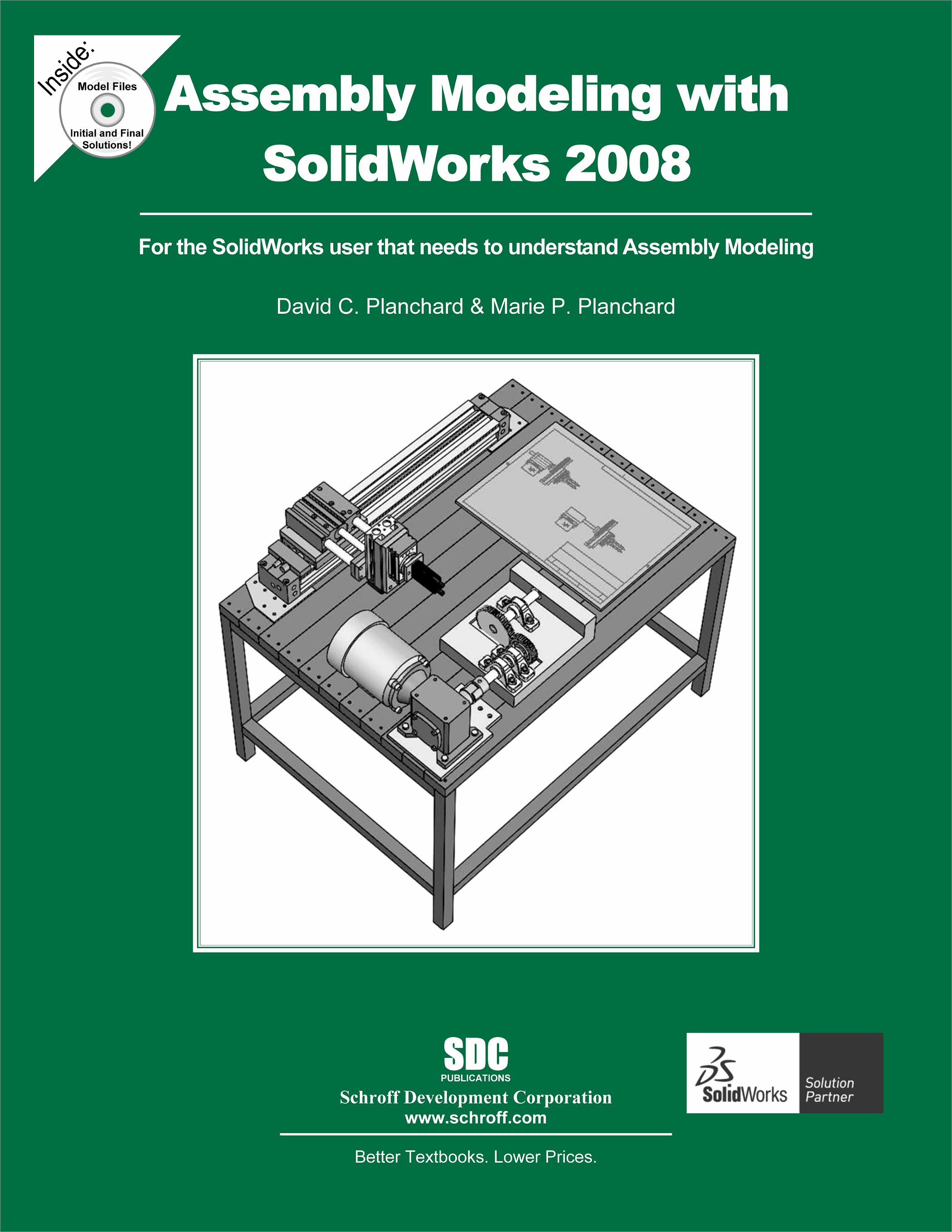
Assembly Modeling with SolidWorks 2008 is written to assist the beginning SolidWorks user with a few months of design experience to the intermediate SolidWorks user who desires to enhance their skill sets in assembly modeling. The book provides a solid foundation in assembly modeling using competency-based projects. In step-by-step instructions, the book provides examples to:
- Start a SolidWorks session and to understand the following interfaces: Menu bar toolbar, Menu bar menu, Drop-down menus, Context toolbars, Consolidated drop-down toolbars, System feedback icons, Confirmation Corner, Heads-up View toolbar, CommandManager, and more.
- Set System Options and Document Properties as they applied to a part and assembly template. Create new SolidWorks folder locations: Document Templates, Reference Documents, and Design Library.
- Download components from 3D ContentCentral and rename and save components using SolidWorks Explorer.
- Apply the Bottom-up assembly approach with two levels of configurations using the Configure component tool, the Configure dimension tool, Design Tables, and the Add Configuration tool.
- Create new parts based on component features utilizing the Bottom-up assembly approach.
- Apply Standard Mates, SmartMates, and the Design Library Toolbox.
- Apply the Top-down assembly approach with two levels of configurations with In-Context components.
- Understand the following: Out-of-Context components, External References, InPlace Mates, redefining and replacing components and motion studies.
- Apply the Derived Feature Component Pattern tool, Linear Component Pattern tool, and the Mirror Component tool along with the Explode Line Sketch tool.
- Create a multi sheet, multi view assembly drawing. Knowledge of Custom Properties in a part/assembly and linked notes, with the ability to incorporate configurations of an Exploded view, Bill of Materials, Revision tables, and more.
- Address the Layout-based assembly approach and Link Values and Equations to control relationships. Each project begins with the desired outcomes and usage competencies. Explore assembly modeling techniques through a series of design situations, industry scenarios, projects and objectives.
The book is a self-paced tutorial in a realistic design setting. Complex models expose you to large assembly modeling techniques. You focus on the design process while learning the commands relative to assemblies.
To obtain the most from this text, you should be familiar with the SolidWorks User Interface or other parametric modeling software application. Your skill sets should include the ability to create simple parts, assemblies, and drawings and manipulate documents through the Windows operating system.
The authors developed the industry scenarios by combining their own industry experience with the knowledge of engineers, department managers, vendors and manufacturers. These professionals are directly involved with SolidWorks everyday. They create assemblies with thousands of components and drawings with hundreds of sheets. Their responsibilities go far beyond the creation of just a 3D model.
Initial and final models are provided on the CD accompanying the book.
Table of Contents
- IntroductionProjects:
- SolidWorks 2008 User Interface
- File Management, System Options, Templates, SolidWorks Explorer, and more
- Assembly Modeling - Bottom-up design approach
- Bottom-Up design assembly approach - Two Levels of Configurations
- Top-down design assembly approach - Two Components with Configurations
- Part and Assembly Configurations, Custom Properties, Design Tables, and References
- Assembly Drawings with Revision Table and Bill of Materials - Multiple Sheets, Views, and Custom Properties
- Top-down design, Layout Sketches, Block, Motion, and More AppendixIndex
Instructor Resources
The following downloadable resources require that you are registered, logged in and have been authenticated as an instructor.
The authors have created additional resources for instructors to use when using this book in a classroom setting. It contains:
- Answers to all questions
- Model files
- PowerPoint feature summary presentation with more examples that focus on design intent
Requestable Resources
These resources require shipping and are included when you request an examination copy of this book. You may also request just these resources by contacting us.
- Instructor's CD
- Model files, PowerPoint presentations and Answers to Questions in the book
Product Details
| Publisher | SDC Publications |
| Authors | David C. Planchard CSWP, 3DEXPERIENCE Edu Champ |
| Media Types | Print Book |
| Primary Languages | English |
| Published | June 9, 2008 |
| User Level | Intermediate |
| Pages | 500 |
| Binding | Paperback |
| Printing | Black and White |
| Print ISBN | 978-1-58503-467-3 |
| Print ISBN 10 | 1585034673 |