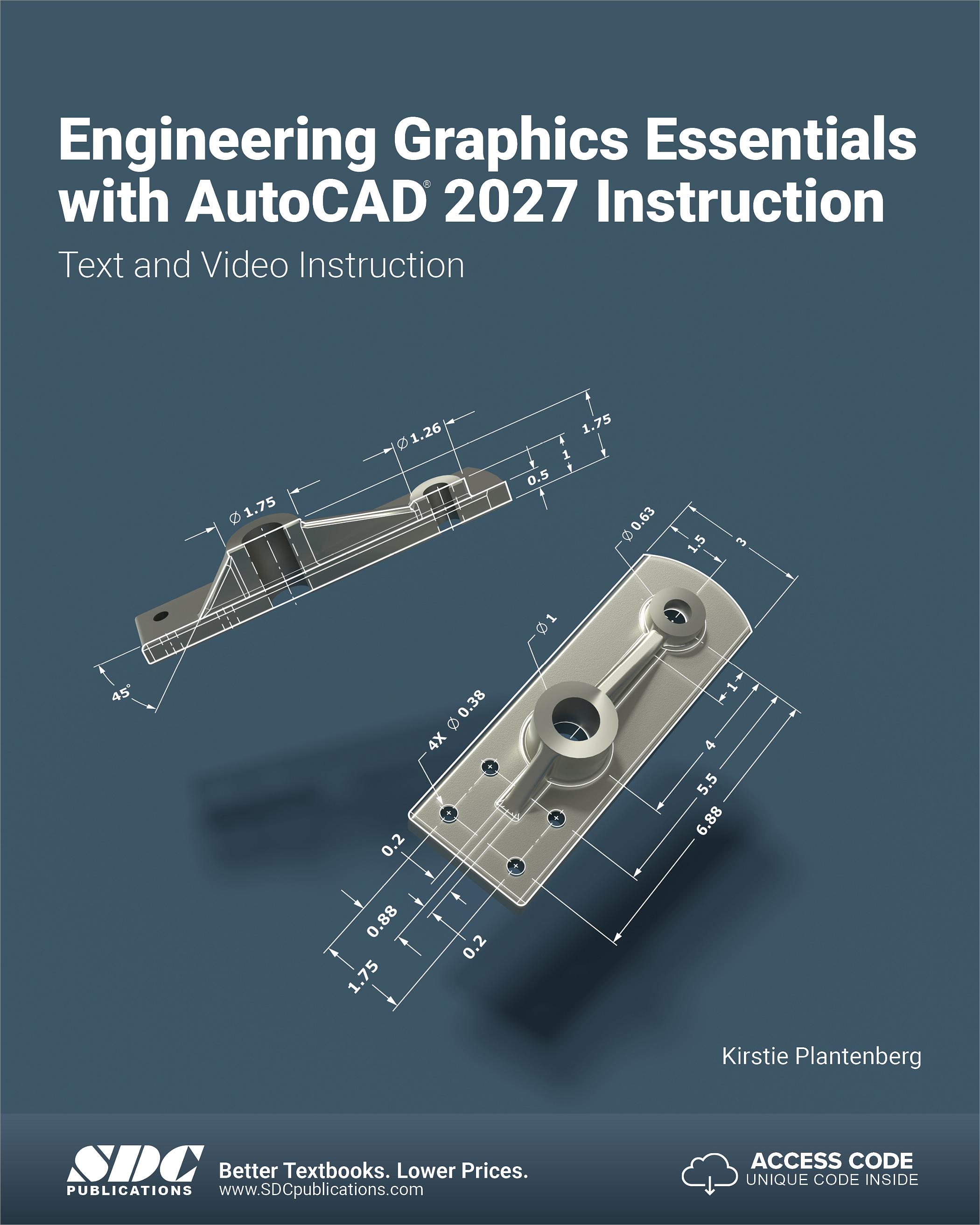
Engineering Graphics Essentials with AutoCAD 2027 Instruction
Text and Video Instruction
- Description
- Contents
- Downloads
- Instructor Resources
- Details
Description
Key Features
- Comprehensive introduction to engineering graphics and AutoCAD 2027
- Includes video lectures, interactive quizzes and integrated AutoCAD tutorials
- Numerous exercise types are used throughout the book to reinforce key concepts
- Includes hand sketching exercises to build foundational skills
- Features captions, audio descriptions, audio tracks in multiple languages and subtitles for every video
- This edition is organized into smaller chapters for easier learning and instruction
- The media content in this edition is now hosted on a modern streaming platform
In Detail
Engineering Graphics Essentials with AutoCAD 2027 gives students a clear and practical understanding of how to read and create engineering drawings while learning the fundamentals of Autodesk AutoCAD 2027. The text presents engineering graphics principles in a logical, easy-to-follow format and covers the major topics of the discipline, including orthographic projection, pictorial drawings, dimensioning, section views, advanced drawings, tolerancing, threads and fasteners, and assembly drawings.
This edition has been extensively reorganized to make the material easier for both students and instructors to follow. Topics are now broken into smaller, more focused chapters that separate the skills of reading, creating, and creating with AutoCAD, helping learners build understanding step by step. The result is a more approachable structure that supports classroom instruction, independent study, and smoother progression through the course material.
To further reinforce learning, this edition includes a fully modernized set of independent learning resources delivered directly through the SDC Publications website. Instead of requiring large downloadable files to run locally, all multimedia content is now available in a unified online experience. Engineering graphics principles and AutoCAD instruction are presented through recorded lecture videos paired with interactive quizzes and are fully aligned to the corresponding book content. This provides students with a seamless learning path that mirrors the flow of the text.
The streaming video experience also introduces a wide range of modern features designed to improve accessibility and usability. In addition to closed captions, all videos now include audio descriptions. Students also benefit from adaptive streaming, audio tracks in multiple languages, subtitles, thumbnail previews, key moments, and other enhanced playback features that make it easier to navigate and learn from the material.
Through its many exercises and integrated multimedia resources, this text is designed to encourage interaction during lectures while also supporting students as they review and practice independently. The book provides a strong foundation in engineering graphics and AutoCAD, making it an effective resource for both introductory instruction and self-paced reinforcement.
Multimedia Content
- Streaming lecture videos covering engineering graphics principles and AutoCAD video tutorials aligned with the corresponding lesson content
- All new interactive quizzes woven throughout the independent learning material
- Closed captions for all videos
- Audio descriptions for all videos
- Modern online video delivery with adaptive resolutions and enhanced playback features
Each chapter contains these types of exercises
-
Instructor led in-class exercises
These exercises are completed in class using information presented by the instructor, supported by the PowerPoint slides included in the instructor resources. -
In-class student exercises
These exercises give students the opportunity to apply the concepts presented in the lecture while working in class. -
Engineering Graphics Lecture Videos
In these lecture videos the author goes through the principles covered in each section of the book discussing important principles, different approaches to problems, and highlighting common mistakes to avoid. -
AutoCAD Video Tutorials
The author provides video instruction for the AutoCAD-based lessons, demonstrating workflows, explaining the process, and sharing useful tips for working efficiently in AutoCAD. -
Interactive Quizzes
Integrated quizzes throughout the online learning material help students check their understanding as they progress through the content. -
End of chapter problems
These problems allow students to apply the principles presented in the book and strengthen their understanding through practice. -
Review Questions
These questions encourage students to recall, reflect on, and explain the concepts covered in the chapter.
What’s New in This Edition
- Chapters have been reorganized into smaller, more focused sections for easier use by students and instructors.
- Major topics now include separate chapters for Reading, Creating, and Creating with AutoCAD.
- Independent learning content is now delivered directly through the SDC Publications website instead of through downloadable local files.
- Engineering graphics principles content has been fully reworked into video lectures with integrated interactive quizzes.
- AutoCAD lecture videos are now seamlessly incorporated into the overall learning flow of the book.
- All videos now include audio descriptions in addition to closed captions.
- Multimedia is now provided in a modern streaming format with enhanced features such as adaptive resolutions, audio tracks in multiple languages, subtitles, thumbnail previews, key moments, and much more.
Sample AutoCAD Video
Table of Contents
- Introduction to Engineering Drawings
- Drawing in AutoCAD
- Reading Orthographic Projections
- Creating Orthographic Projections
- Creating Orthographic Projections in AutoCAD
- Reading Pictorial Drawings
- Creating Pictorial Drawings
- Creating Isometric Pictorials in AutoCAD
- Reading Dimensions
- Creating Dimensions
- Creating Dimensions in AutoCAD
- Reading Section Views
- Creating Section Views
- Creating Section Views in AutoCAD
- Reading Advanced Drawings
- Creating Advanced Drawings
- Creating Advanced Drawings in AutoCAD
- Reading Tolerances
- Creating Tolerances
- Creating Tolerances in AutoCAD
- Reading Threads and Fasteners
- Creating Threads and Fasteners
- Creating Threads and Fasteners in AutoCAD
- Assembly Drawings
- Creating Assembly Drawings
- Creating Assembly Drawings in AutoCAD
Appendix A: Limits and Fits
Appendix B: Threads and Fasteners
Appendix C: References
Downloads
After you download the Independent Learning Material you will need to unzip the file. We provide instructions on how to unzip your files here: https://www.sdcpublications.com/FAQ/#13 After the files are unzipped you can launch the Independent Learning Material from the unzipped folder by double clicking on the file named index.htm. This will launch the material in your default browser. From here you can navigate the Independent Learning Material, including the embedded engineering graphics videos. If you attempt to open the index.htm from within the zip file it will open in your default browser, but none of the images, videos, or quizzes can be loaded into that page.
The AutoCAD videos are separate from the Independent Learning Material and are available as their own download. These videos have been extended to cover every AutoCAD lesson in this book.
Exclusive Content
These files are only available to customers who have registered their book with the unique access code that comes with the book and authenticated instructors. Ebook owners can send us a proof of purchase to gain access to these files. You must log in or register to access these files. Visit our FAQ page for more information.
For additional information on downloading, unzipping, and using these files visit the downloads section on our Frequently Asked Questions page.
Instructor Resources
The following downloadable resources require that you are registered, logged in and have been authenticated as an instructor.
Product Details
| Publisher | SDC Publications |
| Authors | Kirstie Plantenberg, Summer Rayess |
| Media Types | Print Book, eBook, Videos |
| Primary Languages | English |
| Available | August 10, 2026 |
| User Level | Beginner |
| Pages | 950 |
| Media Duration | 14h 20m 23s |
| Binding | Paperback |
| Printing | Black and White |
| Print ISBN | 978-1-63057-814-5 |
| Print ISBN 10 | 1630578142 |