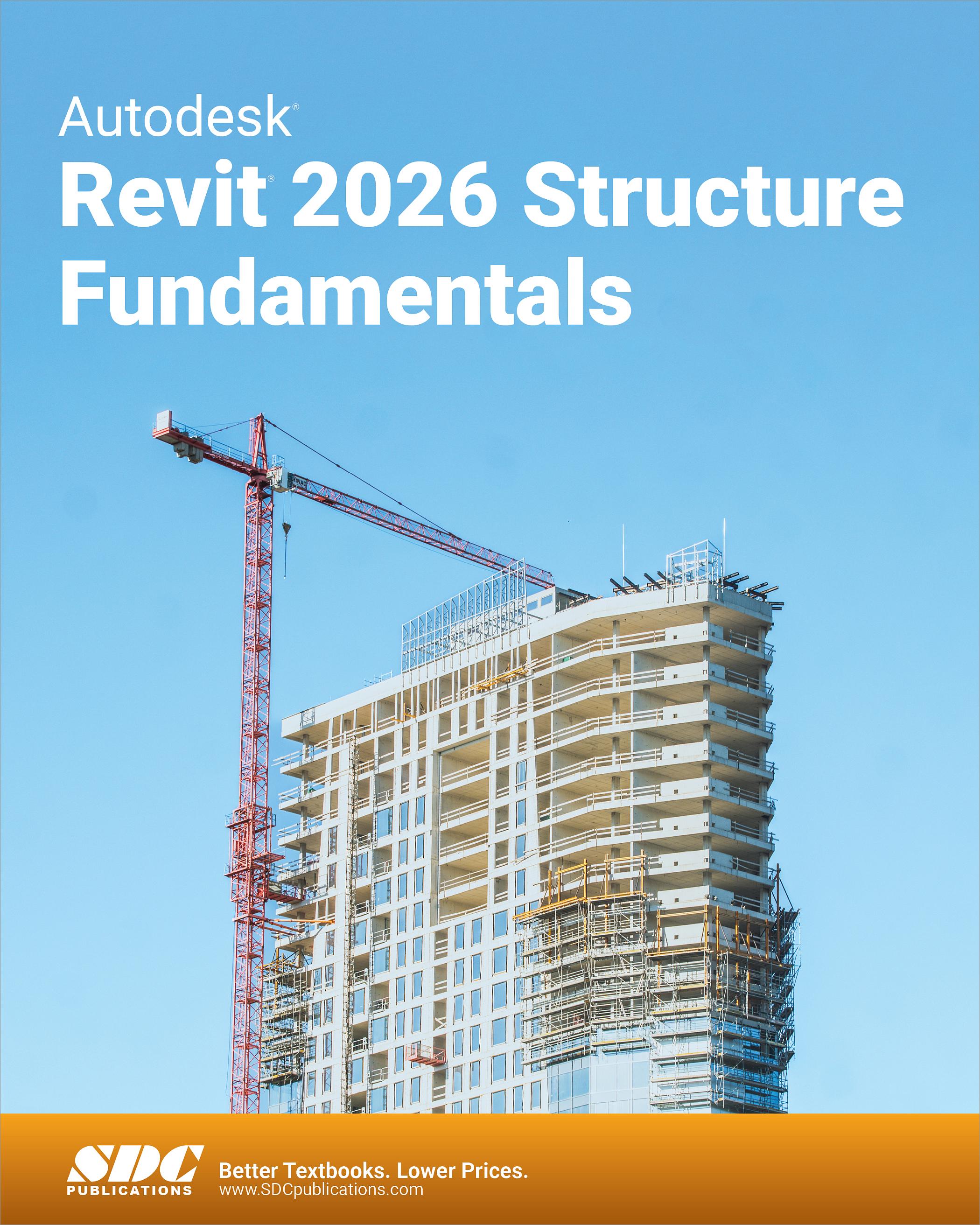
Autodesk Revit 2026 Structure Fundamentals
- Description
- Contents
- Downloads
- Instructor Resources
- Details
Description
Key Features
- Teaches you Building Information Modeling (BIM) with Autodesk Revit
- Shows you how to create, document and print parametric models
- Walks you through the fundamentals of a complete structural project
- Applies concepts across a variety of building types
In Detail
To take full advantage of Building Information Modeling, Autodesk Revit 2026 Structure Fundamentals has been designed to teach the concepts and principles of creating 3D parametric models of structural buildings from engineering design through construction documentation.
This learning guide is intended to introduce you to the user interface and the basic building components of the software that make it a powerful and flexible structural modeling tool. The goal is to familiarize you with the tools required to create, modify, analyze, and document the parametric model. The examples and practices are designed to take you through the basics of a full structural project, from linking in an architectural model to construction documents.
Topics Covered
- Introduction to the Autodesk Revit software, including navigating the Revit interface
- Starting a structural project based on a linked architectural model and creating levels and grids as datum elements for the model
- Understanding the project browser and working with views
- Understanding Revit families and components
- Working with the basic sketching and modifying tools
- Adding structural columns to a project and copying and monitoring elements from linked models
- Adding foundations and footings
- Creating structural framing, including beams, trusses, and framing systems
- Creating slabs for foundations, structural floors, and roofs
- Creating structural reinforcement, including placing rebar and adding fabric reinforcement
- Setting up sheets and placing and modifying views on sheets
- Working with dimensions, text, annotations, and legends
- Adding tags and working with schedules
- Setting up detail views and adding detail components
Table of Contents
- Introduction to Revit
- Starting a Revit Project
- Working with Views
- Revit Families
- Basic Sketching and Modify Tools
- Adding Columns
- Foundations
- Structural Framing
- Adding Structural Slabs
- Structural Reinforcement
- Creating Construction Documents
- Working with Annotations
- Adding Tags and Schedules
- Creating Details
Appendix A: Additional Tools for Design Development
Appendix B: Additional Tools for Construction Documents
Appendix C: Project - Concrete Structure
Index
Downloads
For additional information on downloading, unzipping, and using these files visit the downloads section on our Frequently Asked Questions page.
Instructor Resources
The following downloadable resources require that you are registered, logged in and have been authenticated as an instructor.