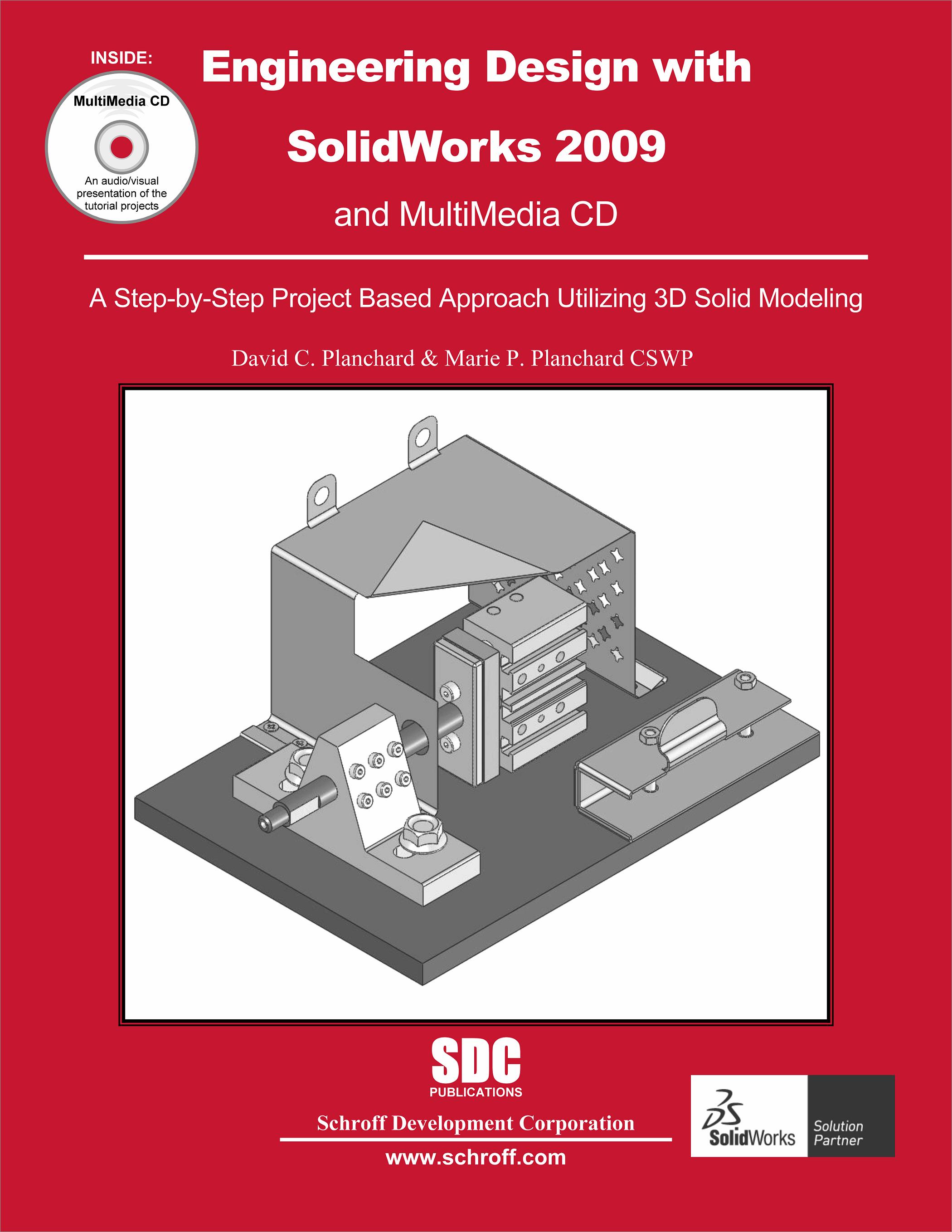
Engineering Design with SolidWorks 2009 and Multimedia CD
A Step-by-Step Project Based Approach Utilizing 3D Solid Modeling
- Description
- Contents
- Instructor Resources
- Details
Description
Engineering Design with SolidWorks 2009 & Multimedia CD is written to assist students, designers, engineers and professionals. The book provides a solid foundation in SolidWorks by utilizing projects with Step-by-Step instructions for the beginning to intermediate SolidWorks user. Explore the user interface, menus, toolbars and modeling techniques to create parts, assemblies and drawings in an engineering environment with the 2.5 hour Multi-media CD.
Follow the Step-by-Step instructions and develop multiple parts and assemblies that combine machined, plastic and sheet metal components. Formulate the skills to create, modify and edit sketches and solid features. Learn the techniques to reuse features, parts, and assemblies through symmetry, patterns, copied components, Design tables, Bills of Materials, Properties and Configurations. Learn by doing, not just by reading!
Desired outcomes and usage competencies are listed for each project. Know your objective up front. Follow the steps in Project 1 through Project 6 to achieve the design goals. Work between multiple documents, features, commands and custom properties that represent how engineers and designers utilize SolidWorks in industry.
The part section covers all the major solid features in SolidWorks. There are 3 assemblies. The first assembly, GUIDE-ROD utilizes industry components and simple extruded parts. Individual part drawings and assembly drawings with Bill of Materials are developed for the GUIDE-ROD assembly. The second assembly, FLASHLIGHT assembly utilizes 8 parts made up of Extrude, Revolve, Swept and Loft features. The parts are combined into small sub-assemblies and the final FLASHLIGHT assembly. The third assembly, BOX assembly utilizes a top down assembly modeling approach with layout sketches and parts developed in context. The BOX works through sheet metal features and introduces design tables and configurations.
Review individual features, commands and tools for each project with the 2.5 hour Multi-media CD and enclosed SolidWorks models. Each project contains exercises. The exercises analyze and examine usage competencies. Collaborate with leading industry suppliers such as SMC Corporation of America, Boston Gear, Reid Tool and Die, and 80/20 Inc. Collaborative information translates into numerous formats such as paper drawings, electronic files, rendered images and animations. On-line intelligent catalogs guide designers to the product that meets both their geometric requirements and performance functionality.
The authors developed the industry scenarios by combining their own industry experience with the knowledge of engineers, department managers, vendors and manufacturers. These professionals are directly involved with SolidWorks everyday.
This book is designed to compliment the SolidWorks Tutorials contained in SolidWorks 2009. The goal is to illustrate how multiple design situations and systematic steps combine to produce successful projects.
Table of Contents
- Introduction
- Fundamentals of Part Modeling
- Fundamentals of Assembly Modeling
- Fundamentals of Drawing
- Extrude and Revolve Features
- Swept, Lofted and Additional Features
- Top Down Assembly Modeling AppendixIndex
Instructor Resources
The following downloadable resources require that you are registered, logged in and have been authenticated as an instructor.
The authors have created additional resources for instructors to use when using this book in a classroom setting. It contains:
- Answers to all questions
- Model files for Projects 1 - 6 and most of the exercises
- PowerPoint feature summary presentation with more examples that focus on design intent
- Exercise files tied to Gears Educational Systems so actual physical parts can be modeled and assembled in an individual or team environment.
Requestable Resources
These resources require shipping and are included when you request an examination copy of this book. You may also request just these resources by contacting us.
- Instructor's CD
- Model files, PowerPoint presentations, answers to Questions in the book and exercise files
Product Details
| Publisher | SDC Publications |
| Authors | David C. Planchard CSWP |
| Published | December 30, 2008 |
| User Level | Beginner - Intermediate |
| Pages | 704 |
| Binding | Paperback |
| Printing | Black and White |
| Print ISBN | 978-1-58503-489-5 |
| Print ISBN 10 | 1585034894 |