Drawing and Detailing with SolidWorks 2008
- Description
- Contents
- Instructor Resources
- Details
Description
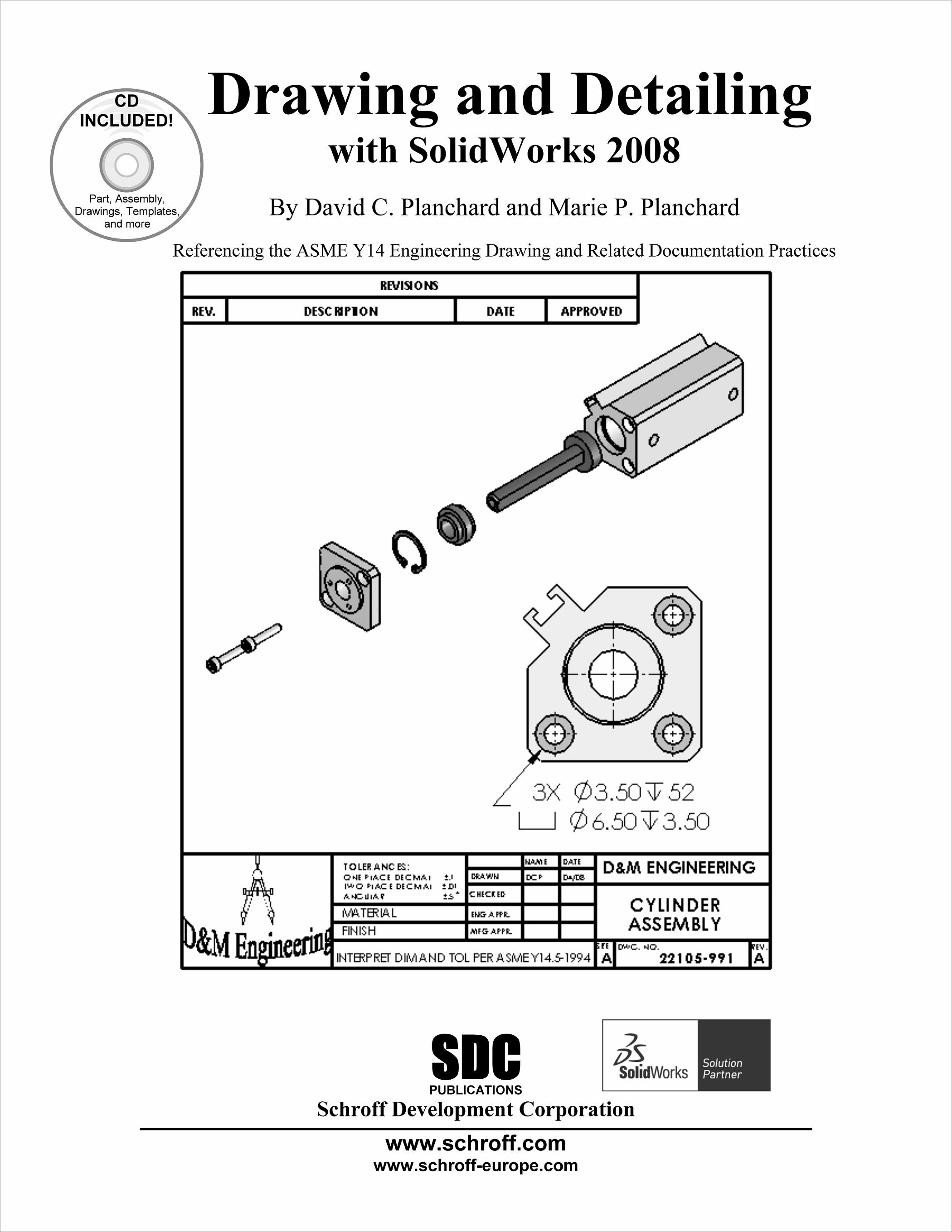
Drawing and Detailing with SolidWorks 2008 is written to educate and assist students, designers, engineers, and professionals in the drawing and detailing tools of SolidWorks. Explore the learning process through a series of design situations, industry scenarios, projects, and objectives targeted towards the beginning to intermediate SolidWorks user.
Work through numerous activities to create multiple-view, multiple-sheet, detailed drawings, and assembly drawings. Develop Drawing templates, Sheet formats, and Custom Properties. Construct drawings that incorporate part configurations, assembly configurations, and design tables. Manipulate annotations in parts, drawings, assemblies, Revision tables, and Bills of Materials.
Apply your drawing and detailing knowledge to over thirty exercises. The exercises test your usage competency as well as explore additional topics with industry examples. Advanced exercises require the ability to create parts and assemblies.
Drawing and Detailing with SolidWorks 2008 is not a reference book for all drafting and drawing techniques. The book provides examples to:
- Start a SolidWorks session and to understand the following interfaces: Menu bar toolbar, Menu bar menu, Drop-down menus, Context toolbars, Consolidated drop-down toolbars, System feedback icons, Confirmation Corner, Heads-up View toolbar, Document Properties and more.
- Apply Document Properties to reflect the ASME Y14 Engineering Drawing and related Drawing Practices.
- Import an AutoCAD file as a Sheet format. Insert SolidWorks System Properties and Custom Properties.
- Create new SolidWorks Document tabs.
- Create multi-sheet drawings from various part configurations and develop the following drawing views: Standard, Isometric, Auxiliary, Section, Broken Section, Detail, Half Section (Cut-away), Crop, Projected Back, with a Bill of Materials and a Revision Table and Revisions.
- Insert and edit: Dimensions, Feature Control Frames, Datums, Geometric Tolerancing, Surface Finishes, and Weld Symbols using DimXpert and manual techniques.
- Create, apply, and save Blocks and Parametric Notes in a drawing.
Table of Contents
- Introduction
- SolidWorks 2008 User Interface
- Drawing Template and Sheet Format
- Drawing View
- Fundamentals of Detailing
- Assembly Drawing
- Applied Geometric Tolerancing and Other Symbols
Appendix
Index
Instructor Resources
The following downloadable resources require that you are registered, logged in and have been authenticated as an instructor.
The authors have created additional resources for instructors to use when using this book in a classroom setting. It contains:
- Answers to all the questions in the book
- Model files
- PowerPoint feature summary presentation with more examples that focus on design intent
Requestable Resources
These resources require shipping and are included when you request an examination copy of this book. You may also request just these resources by contacting us.
- Instructor's CD
- Model files, PowerPoint presentations and Answers to Questions in the book
Product Details
| Publisher | SDC Publications |
| Authors | David C. Planchard CSWP, 3DEXPERIENCE Edu Champ |
| Media Types | Print Book |
| Primary Languages | English |
| Published | February 29, 2008 |
| User Level | Beginner - Intermediate |
| Pages | 482 |
| Binding | Paperback |
| Printing | Black and White |
| Print ISBN | 978-1-58503-468-0 |
| Print ISBN 10 | 1585034681 |